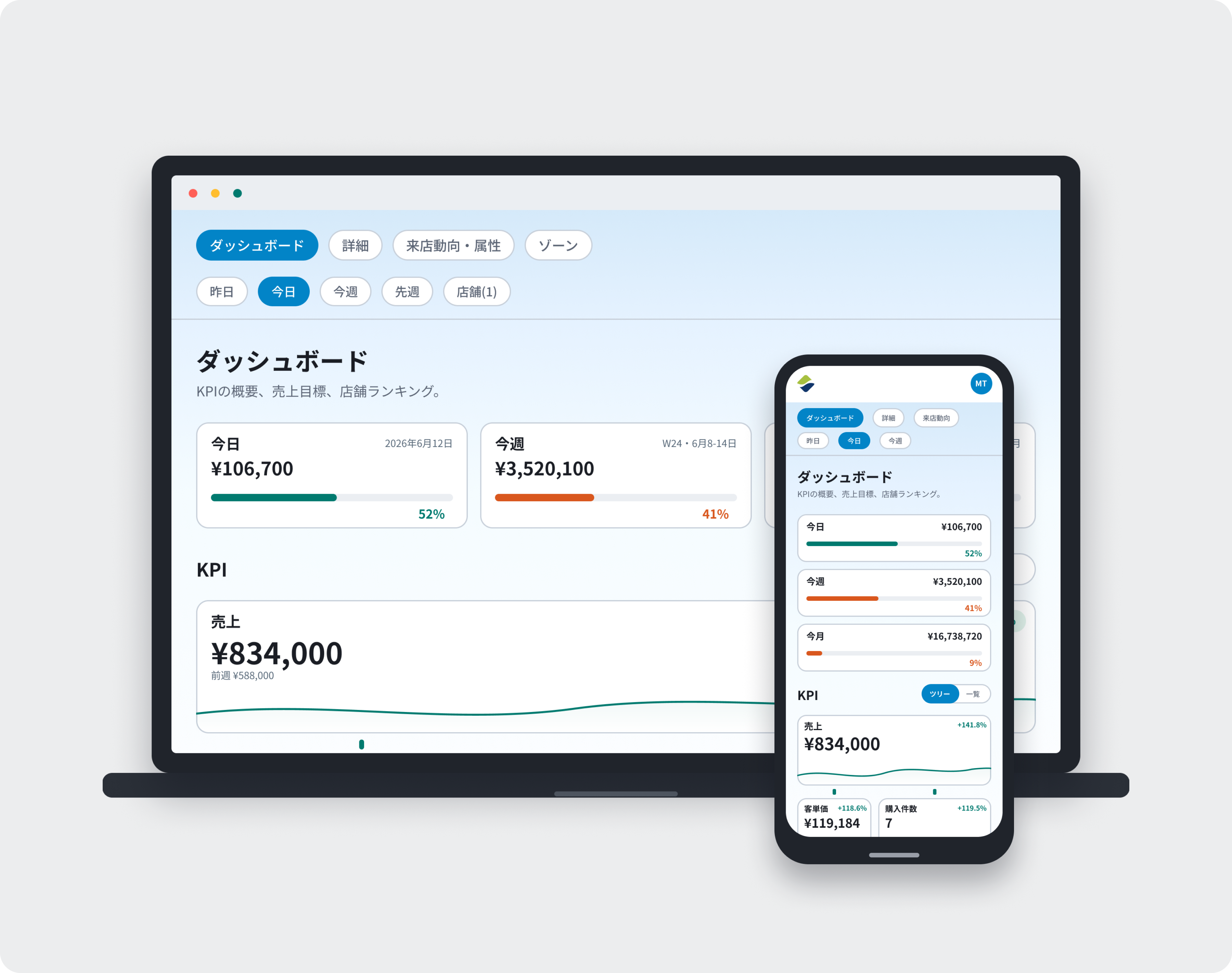
Flow will soon receive a major update. Your data and login will stay exactly the same — what's new is a set of features built around how stores actually operate day to day.
Most of a Store Manager's time is spent on the floor, not at a desk. The new Flow is built mobile-first, so recording what's happening, checking results, and sharing with HQ will fit naturally into the day. That information will reach Area Managers, Brand Managers, and HQ automatically — making store conditions easier to see and cutting down on back-and-forth.
The Dashboard, detail views, and Store Visit Trends report will all have a refreshed design. The data itself won't change.
The new Flow supports 6 roles — Administrator, HQ, Brand Manager, Area Manager, Store Manager, and Staff. Each one will see the information relevant to their job.
Store Managers will be able to log operational notes — events, staffing changes, weather, changes on the sales floor — directly in Flow using Memos. Each memo will be tied to a store and date, so viewing it alongside performance data will make clear why the numbers moved and what was done about it.
Store Managers will be able to share challenges, actions, and results through a Pulse check-in, which automatically links to KPI data. Area Managers and Brand Managers will be able to review AI summaries across all their stores at once, making it clear at a glance where to focus time and support.
You'll be able to use Flow AI to summarize, compare, and analyze store performance. Answers will be grounded in your actual data.
If you upload your SOPs, manuals, or internal documents, Flow AI will factor those in too — giving anyone from managers to staff guidance based on how your operation actually works, not generic advice.
Every feature you currently use is still available
All store data, reports, and history will carry over
KPI definitions will remain unchanged
Your login will stay the same
No new account setup will be needed
No action will be needed on your end — once this update goes live, you'll be using the new Flow automatically. More details will follow soon.
If you have any questions or feedback, please contact support at [email protected].
