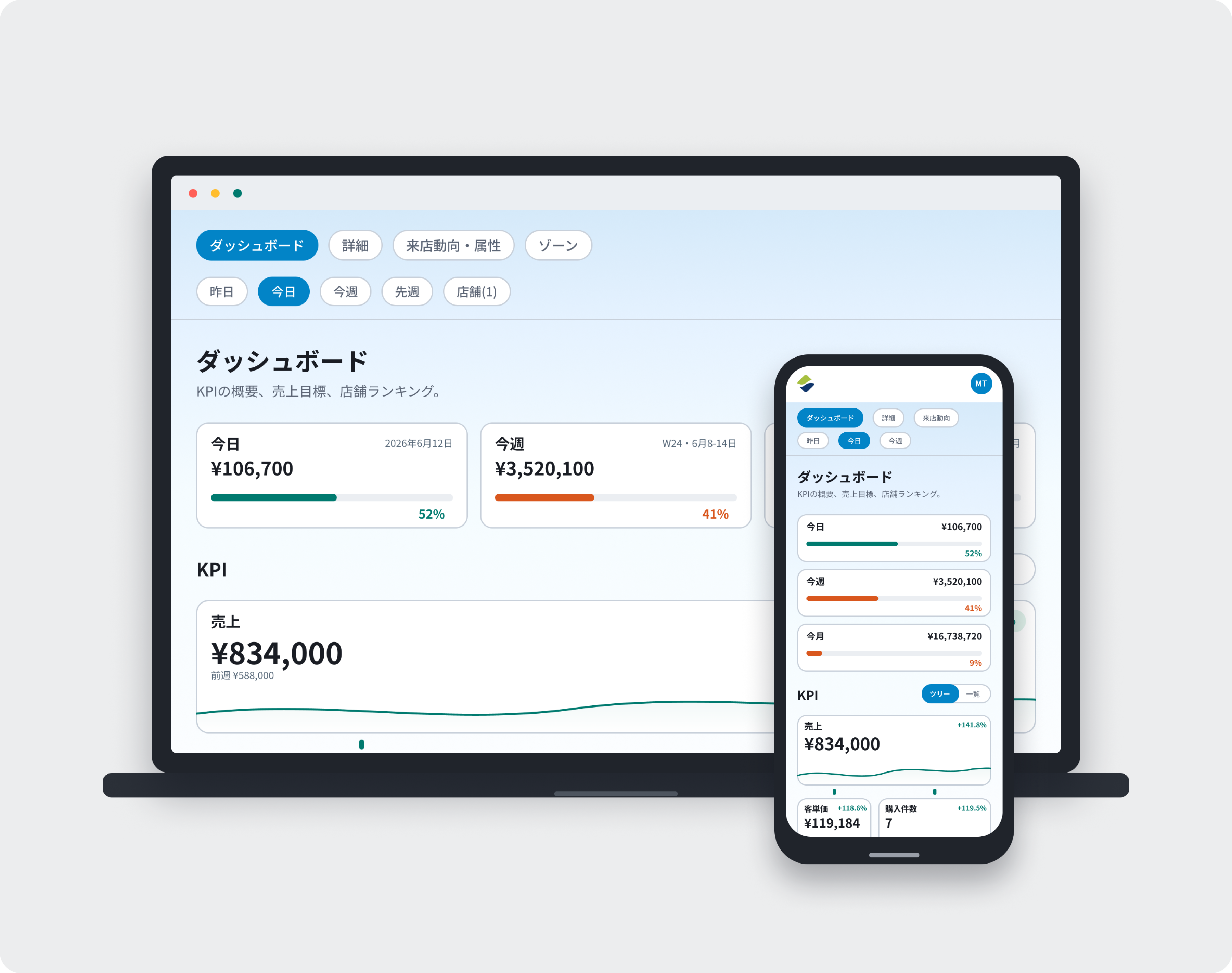
Beyond store data like sales, visitor counts, and conversion, Flow v5.0 connects what's actually happening in your stores, day-to-day reporting, and internal knowledge like SOPs and manuals — so Flow AI can support the decisions you need to make in daily store operations.
Flow v5.0 isn't just about making data easier to look at. Its purpose is to connect real store data with what's happening on the ground, so you can answer questions like:
Where you stand against your sales target right now
What's driving your current results
Which stores or KPIs need attention
What to check next, and what action to consider
— and make these day-to-day calls faster.
For Flow customers, AI isn't a new, separate system you're adopting — it's built into the Flow you already use every day.
Most of a Store Manager's time is spent on the floor, not at a desk.
Flow v5.0 is designed mobile-first, so checking results, recording store conditions, and sharing with HQ can all happen easily as part of the day-to-day.
Information shared from stores is visible to Area Managers, Brand Managers, and HQ as well.
This cuts down the work of checking in on store status and reporting, freeing up more time for managers to spend supporting the stores that need it.
The dashboard and reports all have a refreshed design. The data itself won't change.
Flow v5.0 supports six roles: Administrator, HQ, Brand Manager, Area Manager, Store Manager and Staff. Each role sees the information relevant to their job. E.g. Store-level users see what they need to run their store; Area Managers and Brand Managers can see the status across all the stores they cover.

Sometimes the reason sales, visitor counts, or conversion changed isn't clear from the numbers alone.
With Memos, you can record things like events, staffing changes, weather, or changes to VMD or the sales floor directly in Flow.
Because a Memo is tied to a store and a date, checking it alongside performance data makes it easier to understand:
"Why did the numbers move that day?"
"What did the store do about it?"
— that kind of background.
Recording store conditions that the numbers alone wouldn't capture also makes later analysis and review more useful.
Pulse, coming soon, will let Store Managers easily share challenges, actions taken, and results with a quick weekly check-in.
Because that reporting connects directly with KPI data, there's no need to check numbers and on-the-ground conditions separately.
Area Managers and Brand Managers can review reports and AI summaries across all their stores in one place.
This makes it faster to see:
Which stores are on track
Which stores have issues
Where to focus time and support
It reduces reporting work on the store side and review work on the manager side — freeing up more time for actual store operations and support.
Connections links Flow with the information and knowledge stores need to operate.
You can connect operational knowledge that used to be managed separately from store data — SOPs, store manuals, internal documents — directly to Flow.
This means Flow AI can answer not just by analyzing store numbers, but by factoring in your company's own rules and ways of working.
Bringing together store performance data, what's happening on the ground, and your company's operational knowledge into one environment is a key part of Flow v5.0's AI foundation.
Flow AI is the core AI feature of Flow v5.0.
Based on real store data — sales, visitor counts, conversion, and more — you can ask questions about store performance, comparisons, and analysis.
It also factors in store conditions recorded in Memos, and — once Pulse is available — Pulse check-ins, plus SOPs, manuals, and internal documents registered through Connections.
For example, you can ask things like:
Where you stand against your sales target right now
Which KPIs to check as reasons you're missing target
Which stores need attention across multiple locations
What your company's own operating rules suggest for the current situation
Flow AI's strength isn't just general information — it's giving everyone from managers to staff access to the information they need to decide, grounded in your actual store data and operational knowledge.
Flow AI doesn't run the store in place of a Store Manager.
It organizes the information needed to decide, so you can make faster, more consistent decisions.
Moving from Flow Classic to Flow v5.0, the data and core setup you've already built carry over as-is:
Every feature you currently use is still available
Store data, reports, and history carry over
KPI definitions haven't changed
Your login stays the same
No new account setup is needed
You can keep using everything you've built up in Flow while getting access to Flow v5.0's new store-operations and AI features.
If you have any questions or feedback, please contact support at [email protected].
