
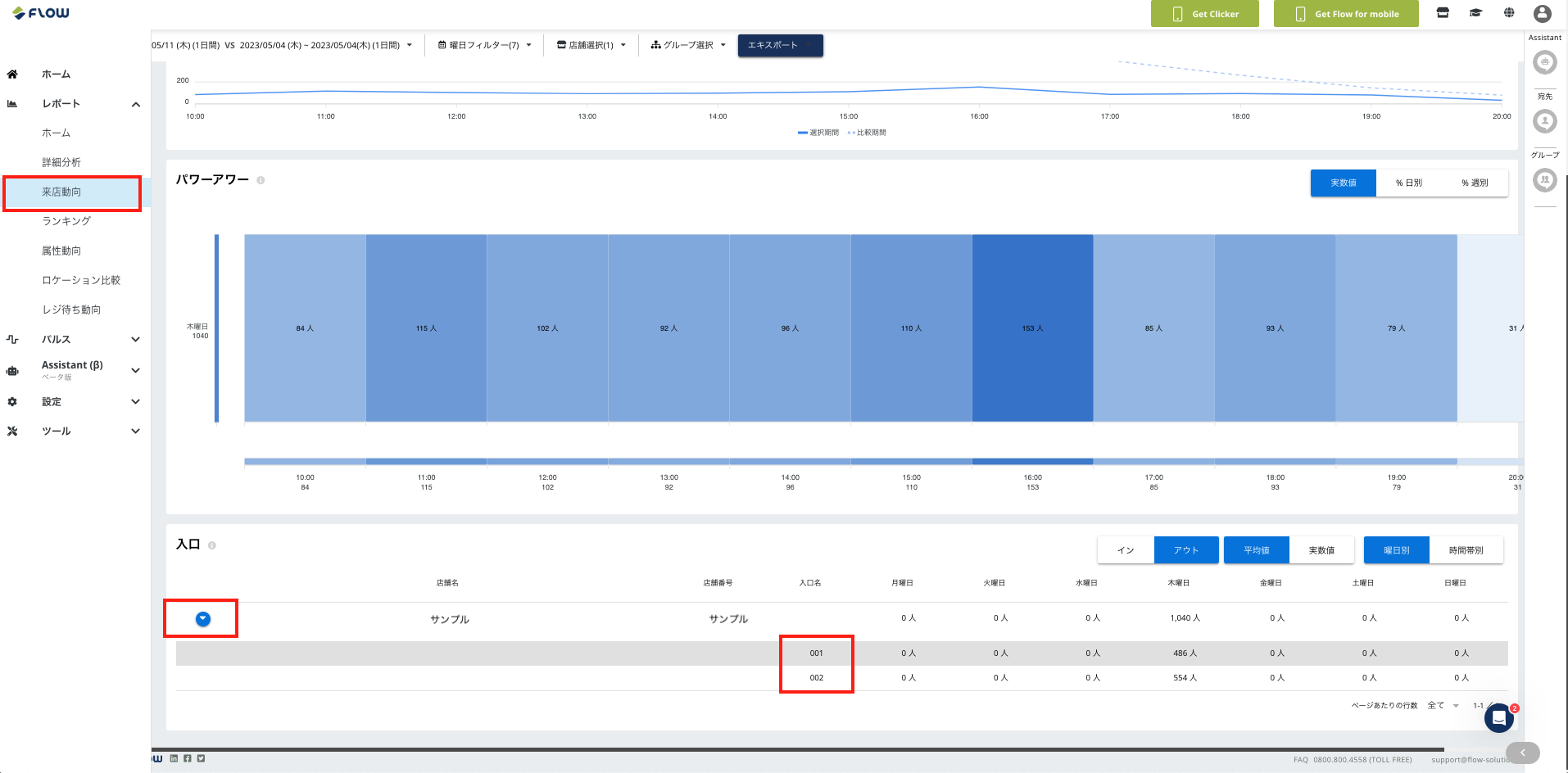
From the banner on the left of the screen, go to Reports > Store Visit Trends, then scroll down to find the table labeled "Entrance."
Click the blue circular icon next to the store name to see daily figures broken down by entrance.
If you have any questions or feedback, please contact support at [email protected].